From goal to parent report: six edlimi steps
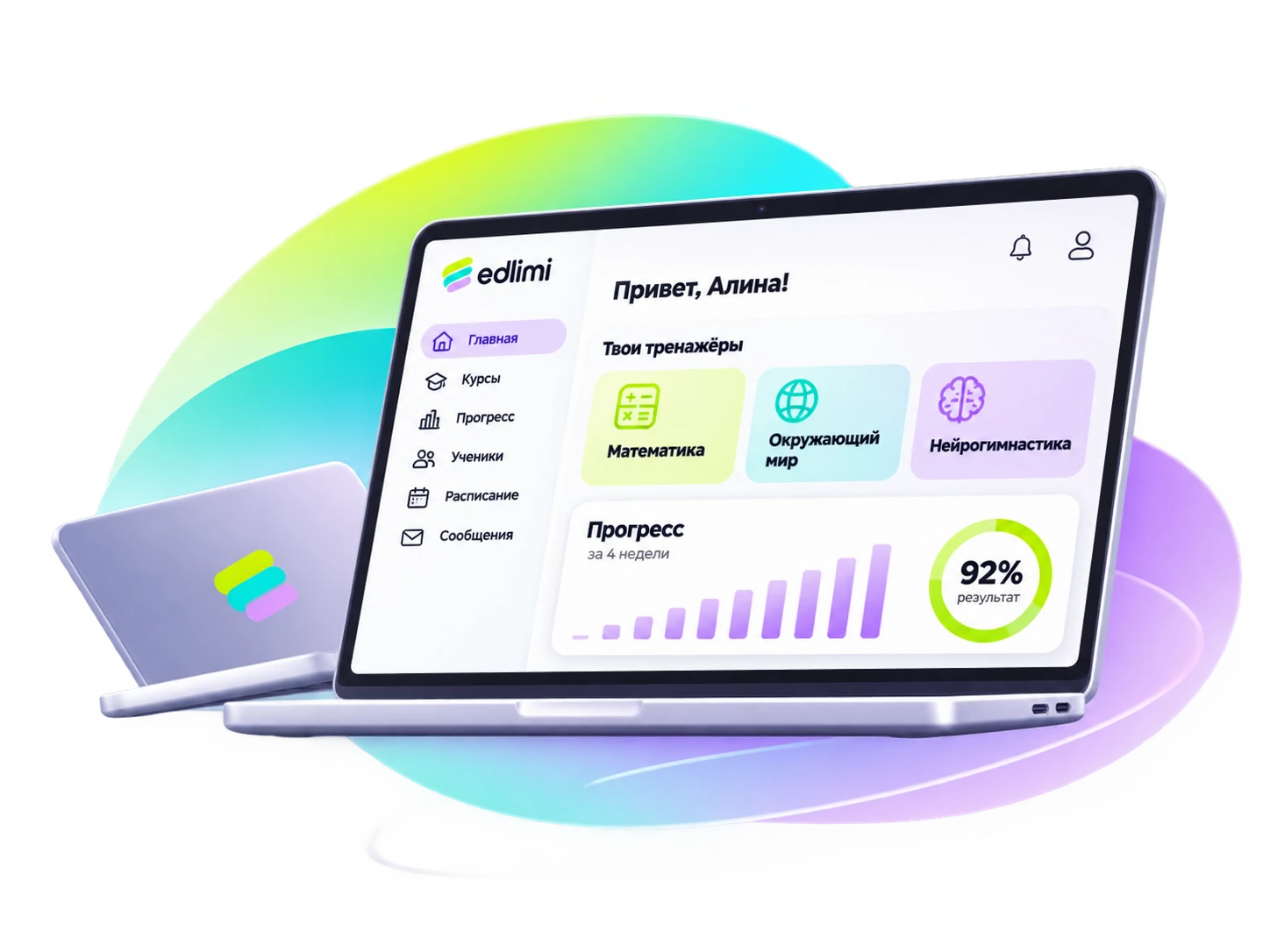
In edlimi, every student has a goal, a starting baseline assessment and a session plan on autopilot. The teacher runs the lesson with a code and sees the board on the projector, statistics show who needs help, and the parent receives a report with growth, before → after.
Goal
The teacher chooses a skill area and who it's for: age or grade. The platform fills in the goal itself, for example "remembers a row of 6 digits after a single showing and repeats it without mistakes". The goal can be changed.
Age or gradeFocusMinutes per dayBaseline assessment
On day one, the student takes a short assessment. It records the starting level, places the student on a suitable step and becomes the "before" point for the future report.
Result: the "before" pointHomework autopilot
Every day the platform builds the daily assignment: warm-up, the daily goal at the student's level, variety and a short sprint. Difficulty goes up when the student copes and down when it is hard. A strong student doesn't get stuck at the bottom, a weak one doesn't lose confidence.
Warm-upDaily goalVarietySprintLesson
The teacher starts a lesson and gets a six-digit code. Children join with the code and play at their own levels. The projector shows the lesson board, with those who are stuck marked. At the end of the lesson, the results are shown with a podium.
Lesson code · projector board · podium"Who needs help" statistics
For each group, the platform shows each student's step, growth from before to after, and a suggested action: remind, give a review, go over it in class. The platform shows those who need help first.
Parent report
One page with the school's logo: the child's name, the period, before → after for each skill area and a clear sentence without jargon. The report does not show the child's mistakes or comparisons with other children. The teacher prints it or sends it through a messenger.
This is what a lesson looks like on the projector
A schematic example: the join code, the student board and the results.
Enter the code on your device
Lesson boardKey terms
- Homework autopilot
- A homework mode in which the platform selects tasks for the student each day based on the goal and current level. The teacher sets three settings instead of writing a plan.
- Baseline assessment
- A short starting task that records the student's level before sessions begin. The final result is compared against it: without a baseline, growth can't be shown.
- Growth, before → after
- A comparison of the skill's main indicator at the start and end of a period, for example memory span 4.5 → 6 digits. Small fluctuations count as "no change", and when data is lacking it reads "assessment in progress".
- Daily goal
- The main assignment of the day at the student's level. Only by it does the platform decide whether to raise difficulty.
- "Who needs help"
- A list of students who need the teacher's attention: haven't practiced for a while, are stuck on one step or often make mistakes.
- Growth line
- A chart of skill development from the baseline assessment to the goal. It is built from the student's real results.
How it works in practice
How does the platform decide to raise difficulty?
By the daily goal: if accuracy is high and the student copes without slowing down, the level goes up. If the result is low two school days in a row, the level goes down. One bad day changes nothing.
Can I assign tasks manually?
Yes. In manual mode, the teacher chooses up to five trainers with full settings and the number of tasks per day.
How does a child join a lesson?
With the six-digit lesson code. They only need to enter it and their name.
What if the child practiced at home?
Home sessions go into the same statistics: the platform counts days of practice and growth for the chosen period.
Let's pick skill areas for your school
Sign up in a minute and get demo access to every skill area. Questions — by phone or WhatsApp.
Try the demo