
1. Who it's for
The student's age or grade. The goal is filled in automatically and can be changed.
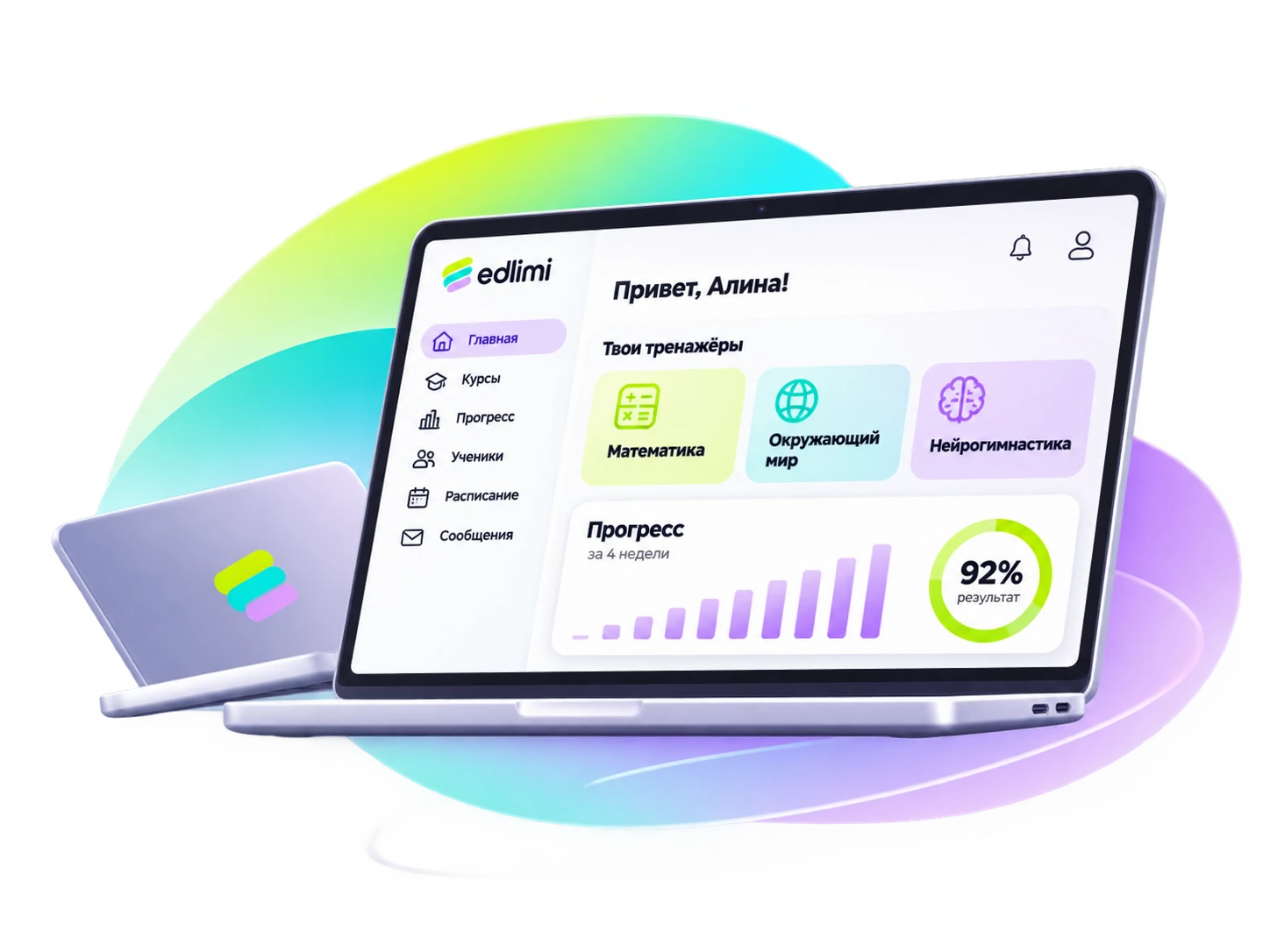
In edlimi, the teacher picks three settings and the platform selects tasks for each student and adjusts difficulty based on results. The lesson runs with a code and a shared board on the projector, while statistics show who needs help and prepare a report for the parent.
The "Autopilot" mode leads the student to the goal on its own. You can also assign homework manually: up to 5 trainers with full settings.
The student's age or grade. The goal is filled in automatically and can be changed.
Balanced development or emphasis on one side of the skill, such as visual memory or visual field.
The platform builds the daily assignment: warm-up, daily goal, variety and sprint.
The group list for a skill area shows each student's step, growth from before to after, and a suggested action. Those who need help are shown at the top.
Remind the student or the parent.
Give a review or reduce the speed.
Go over the task in class.
Practice that formula specifically.
Children join with a six-digit code. The projector board shows who is coping and who is stuck.
An A4 page with before → after and a clear sentence. Print it, save a PDF, or copy the text for a messenger.
In speed reading, the teacher adds texts with questions, and students read them in trainers and homework.
Add names as a list or upload a spreadsheet. A student can sign up through the group link.
In trainers, a character encourages the child, marks streaks and the completed assignment.
A review by the numbers and advice for the teacher. The assistant receives only anonymized data. Being prepared for launch.
Three choices and a deadline. Homework can be assigned to several groups and students at once.
Yes, at any time. Changes apply from today; past results keep their own settings.
A "My growth" section: the same before → after, without the notes meant for the teacher.
No, the teacher sends it: this way they control what the parent receives and when.
Sign up in a minute and get demo access to every skill area. Questions — by phone or WhatsApp.
Try the demo